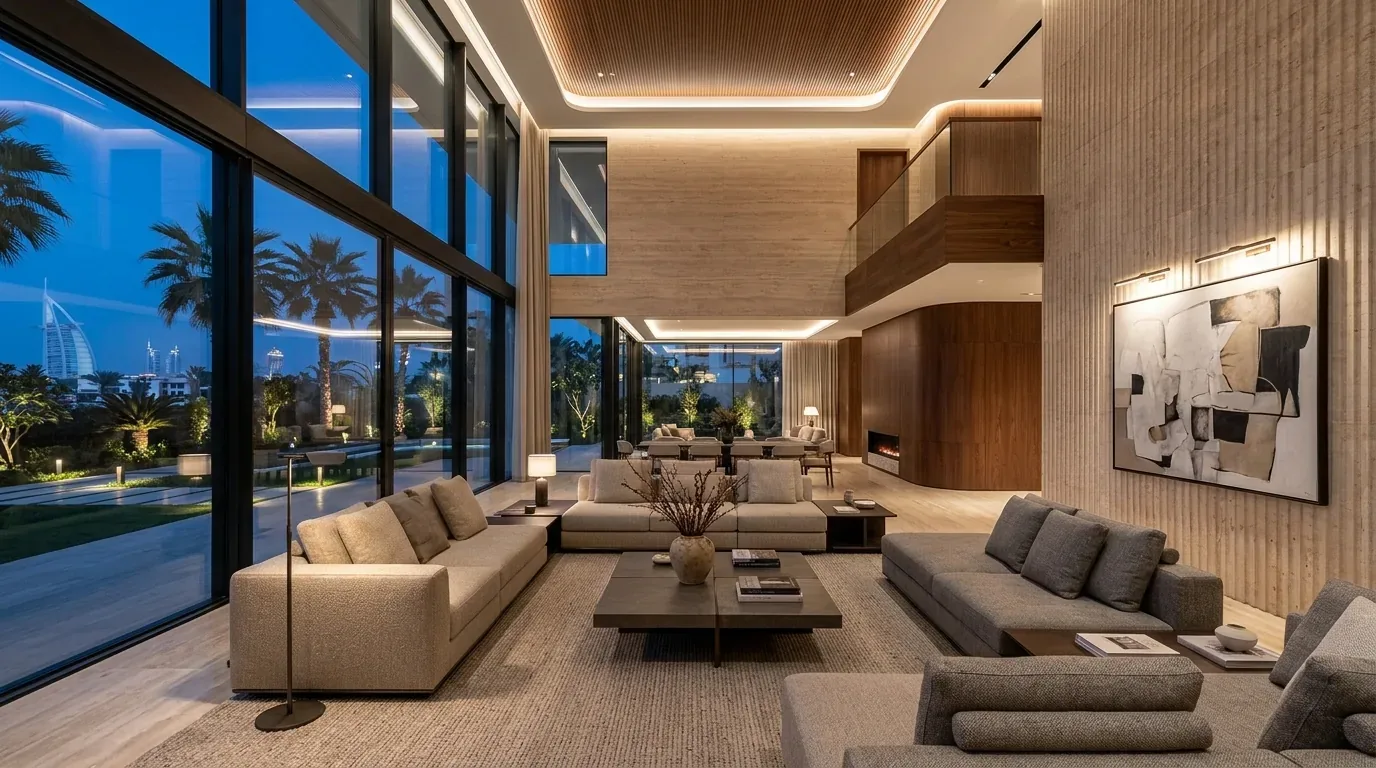
A family-friendly smart home makes everyday things simpler and safer for every generation: lights that guide the way at night, alerts when a pool gate or front door opens, clear keypads that anyone can use, and notifications when smoke or a water leak is detected. It is most useful as an extra layer on top of good design and supervision, not as a replacement for them. And it must stay easy: if a grandparent cannot switch on a light without a phone, the system has failed.
This guide covers practical features for multi-generational homes and how to choose them sensibly.
Principles for a family home
- Simple first. Clearly labelled keypads by every door, with the same layout from room to room.
- Physical controls always work. Voice and apps are extras; nobody should depend on them.
- Alerts, not surveillance. Notify the right person when something important happens, and respect privacy.
- Fail safe. If the network or app is down, lights, locks and safety devices still behave sensibly.
- Plan early. Sensors, keypads and cabling are far easier to place before walls are finished.
Features for homes with young children
| Area | What automation can add |
|---|---|
| Pool and garden | Contact sensors on pool gates and doors to the garden, with an alert or chime when opened |
| Front door | Notification when the main door opens, and a camera or intercom at the entrance |
| Windows and balconies | Contact sensors on balcony doors, alongside proper physical restrictors and locks |
| Night time | Low-level path lighting from bedroom to bathroom that switches on with movement |
| Kitchen | Smart plugs or circuits for selected appliances that can be switched off remotely |
| Media | Scheduled screen-time rules on TVs, streaming devices and Wi-Fi profiles |
A word on pools: physical barriers, self-closing gates and adult supervision come first. Sensors and alerts help by telling you when a gate is opened, but they do not make a pool safe on their own.
Similarly, balcony and window safety starts with the right hardware, chosen with your contractor. A sensor tells you a door has opened; it does not stop a fall. Hot water temperature at taps is a plumbing matter, so ask your MEP engineer about suitable controls for children's bathrooms.
Features for grandparents and older relatives
The goal is independence and confidence, not monitoring.
- Night path lighting. Gentle, low-level lighting that comes on when someone gets out of bed and lights the route to the bathroom, without glare.
- Bright, even daytime lighting. Dimming and scenes let you raise light levels in reading areas and corridors.
- Large, clear keypads. Engraved labels, good contrast and backlighting, positioned at a comfortable height.
- One-touch scenes. An "all off" button by the bed or the door, and a "goodnight" scene that turns off lights and closes curtains.
- Video intercom. See who is at the gate before opening, from a panel or a tablet.
- Help buttons. A simple button in a bedroom or bathroom can send an alert to family members' phones.
Some wearables and phones offer fall detection or emergency calling. These can be useful, but they are consumer features, not medical devices or monitored services, and should not be relied on as the only way to get help. Talk to a healthcare professional about care needs; automation can support a plan but not replace one.
Voice control
Voice assistants such as Alexa, Google Assistant and Siri can switch lights, set the temperature or call a family member, which suits people who find small screens difficult. Language support, including Arabic, varies by device and changes over time, so check current language support for your device before relying on it. Always keep a keypad within reach as well.
Safety alerts for the whole household
| Alert | How it helps |
|---|---|
| Smoke and heat | Notifications to phones and lights switched on along escape routes, in addition to the home's fire alarm system |
| Water leaks | Sensors under sinks, by water heaters and washing machines; some systems can close a motorised valve |
| Gas | Gas detectors in kitchens with gas appliances, linked to alerts |
| Doors and gates | Notification when the main door, garage or pool gate is left open |
Life safety equipment such as fire alarms must follow the relevant codes and authority requirements. Automation can receive signals from these systems and react, for example by switching on lights, but should not be treated as the life safety system itself.
Accessibility
- Limited mobility: motorised curtains and blinds, voice and app control, and scenes that reduce trips to switches.
- Low vision: high-contrast keypads, tactile buttons with consistent placement, and audio feedback where available.
- Hearing loss: visual alerts, such as a light flashing when the doorbell rings, and notifications on a phone or watch.
Privacy and dignity
Families should agree who sees what. Keep cameras to entrances, gardens and shared outdoor areas, never bedrooms or bathrooms. Activity alerts based on simple sensors, such as a door opening or no movement in a hallway by a certain time, can reassure relatives without recording anyone. Older family members should know what is installed and agree to it.
Family scenes that work
- Morning: lights rise gradually, curtains open, the kitchen brightens.
- Afternoon: pool gate alerts active, front door notifications to a parent's phone.
- Movie night: lights dim, curtains close, the cinema or TV switches on. See our home cinema page.
- Goodnight: lights off except night paths, doors checked, curtains closed.
Our guide to Lutron lighting scenes explains how good scene design keeps controls simple.
Cost: what changes the price
- Number of rooms, keypads and lighting circuits
- Sensors for doors, gates, leaks and movement
- Intercom, cameras and entrance control
- Motorised curtains and blinds
- Control platform and whether the home is new build or retrofit
- Programming, training for each family member and ongoing support
Ask for quotes that separate hardware, wiring, programming and support, with a room-by-room schedule.
Try it in person
At the LEXA Experience Centre on Sheikh Zayed Road, Al Quoz (Interchange 3), the whole family can try keypads, lighting scenes, voice control and motorised curtains and see what feels easy. We are open Monday to Saturday, 9:00 to 19:00.
Visit the Experience Centre · Book a consultation · Smart lighting · Home automation in the UAE
Frequently asked questions
Can a smart home make a pool safe for children?
No system replaces fencing, self-closing gates and supervision. Sensors add a useful alert when a gate or door opens.
Will grandparents find a smart home confusing?
Not if it is designed well. Clear keypads in familiar places, a few named scenes and lights that work without a phone make it easier than a wall of switches.
Does voice control work in Arabic?
Some assistants support Arabic for certain tasks, but support varies by device and changes over time. Check current language support for your device and keep keypads as the main control.
Can I check on an elderly parent without cameras?
Yes. Simple sensors on doors and in hallways can send an alert if there is no activity by an agreed time, without any recording, provided your parent agrees to it.
Can these features be added to an existing home?
Many can, using wireless sensors, keypads and smart plugs. Lighting and cabled devices are easier to add during a renovation.
Is this a medical alert system?
No. Home automation can send alerts to family, but it is not a medical device or monitored emergency service.