
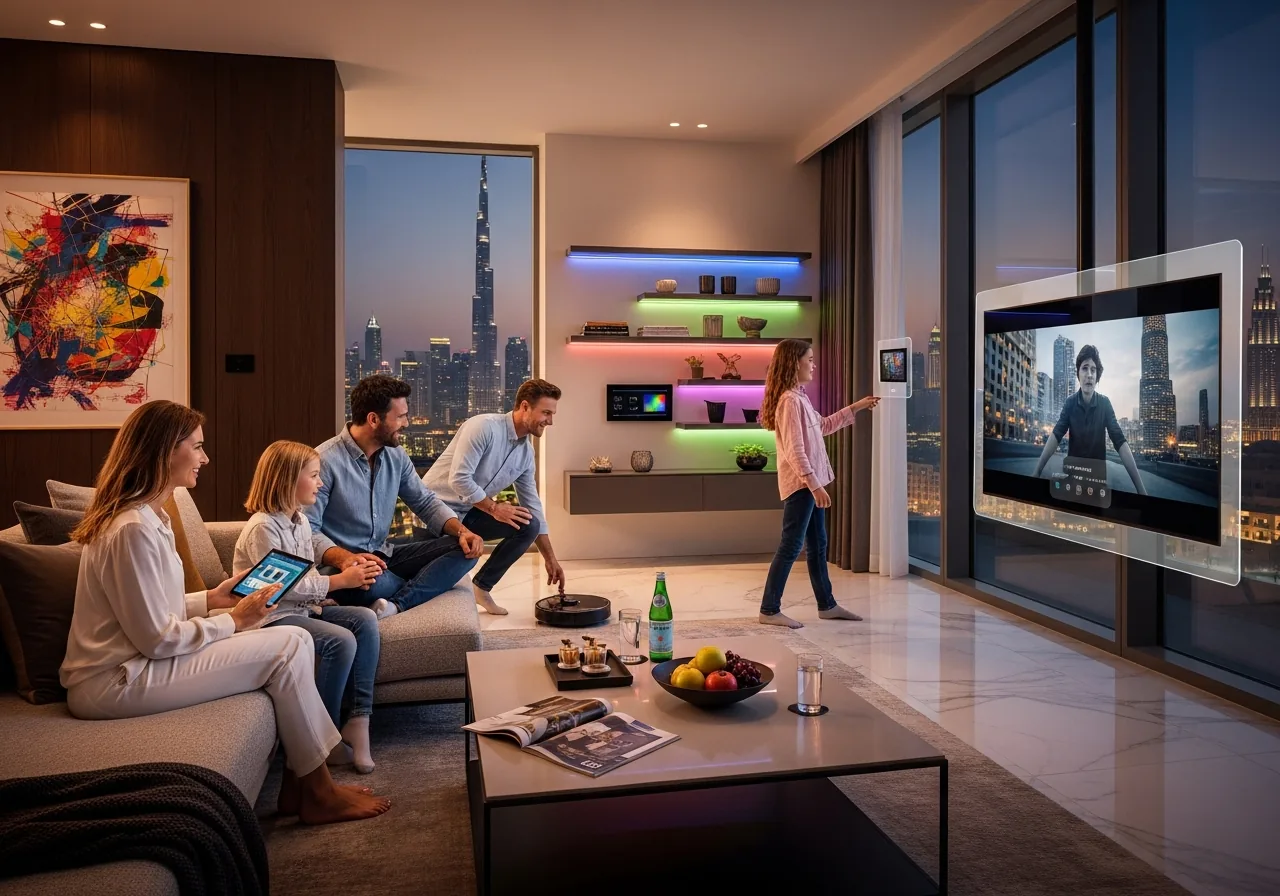
Lighting sets the mood for every moment in your home. With Lutron automation, you can create perfect scenes for any occasion.
Understanding Lighting Scenes
A lighting scene is a preset combination of light levels across different fixtures. With one touch, you can transform your entire space.
Popular Scene Ideas
Good Morning: Gradually increase lights to 70% brightness, simulating sunrise.
Movie Time: Dim all lights to 5%, perfect for home theater viewing.
Dinner Party: Set dining area to 60%, living room to 40%, create warm ambiance.
Bedtime: Reduce all lights to 20%, activate pathway lighting to bedroom.
Away Mode: Randomly vary lights to simulate occupancy when you're traveling.
Advanced Features
Circadian Rhythm: Automatically adjust color temperature throughout the day to match natural sunlight patterns.
Geofencing: Scenes trigger automatically based on your phone's location.
Integration: Connect with Alexa, Google Home, or Apple HomeKit for voice control.
Implementation Tips
- Start with 4-5 essential scenes
- Test different brightness levels at various times of day
- Consider seasonal adjustments
- Program subtle transitions between scenes
Ready to design your perfect lighting? Book a consultation with our lighting specialists.