
3D SMART HOME VISUALIZATION
Explore our smart home solutions in interactive 3D
3D Smart Home Visualization
Explore our smart home solutions
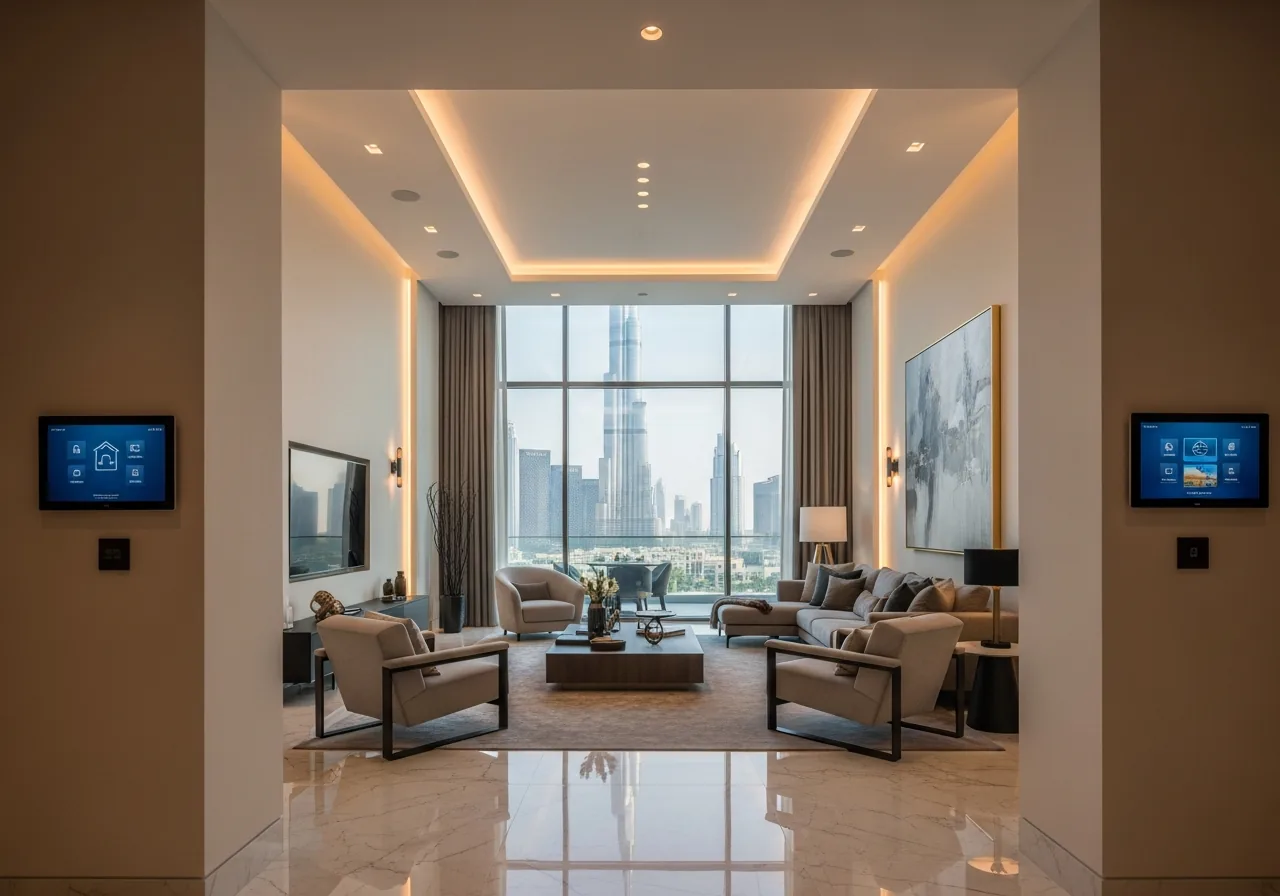
Downtown Dubai Villa
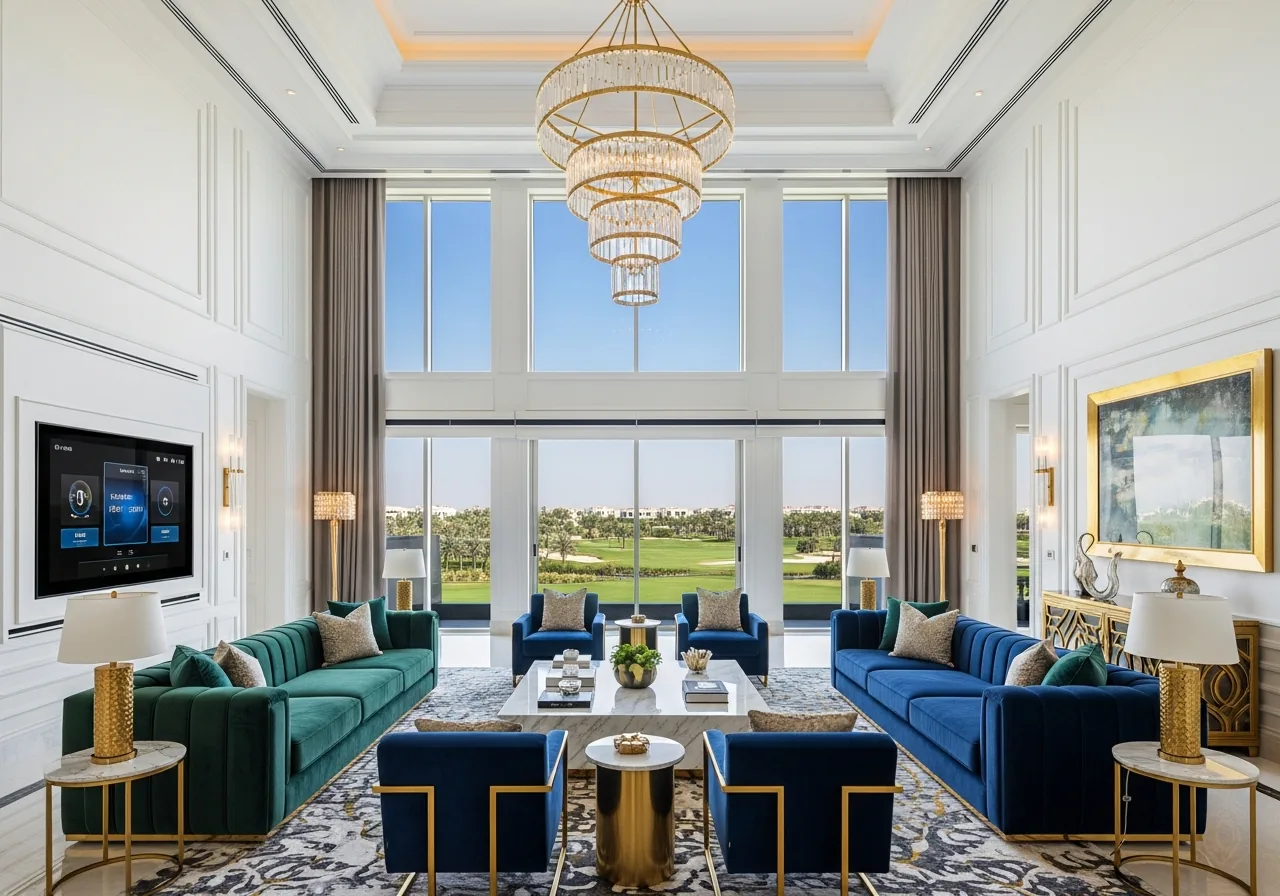
Emirates Hills Mansion
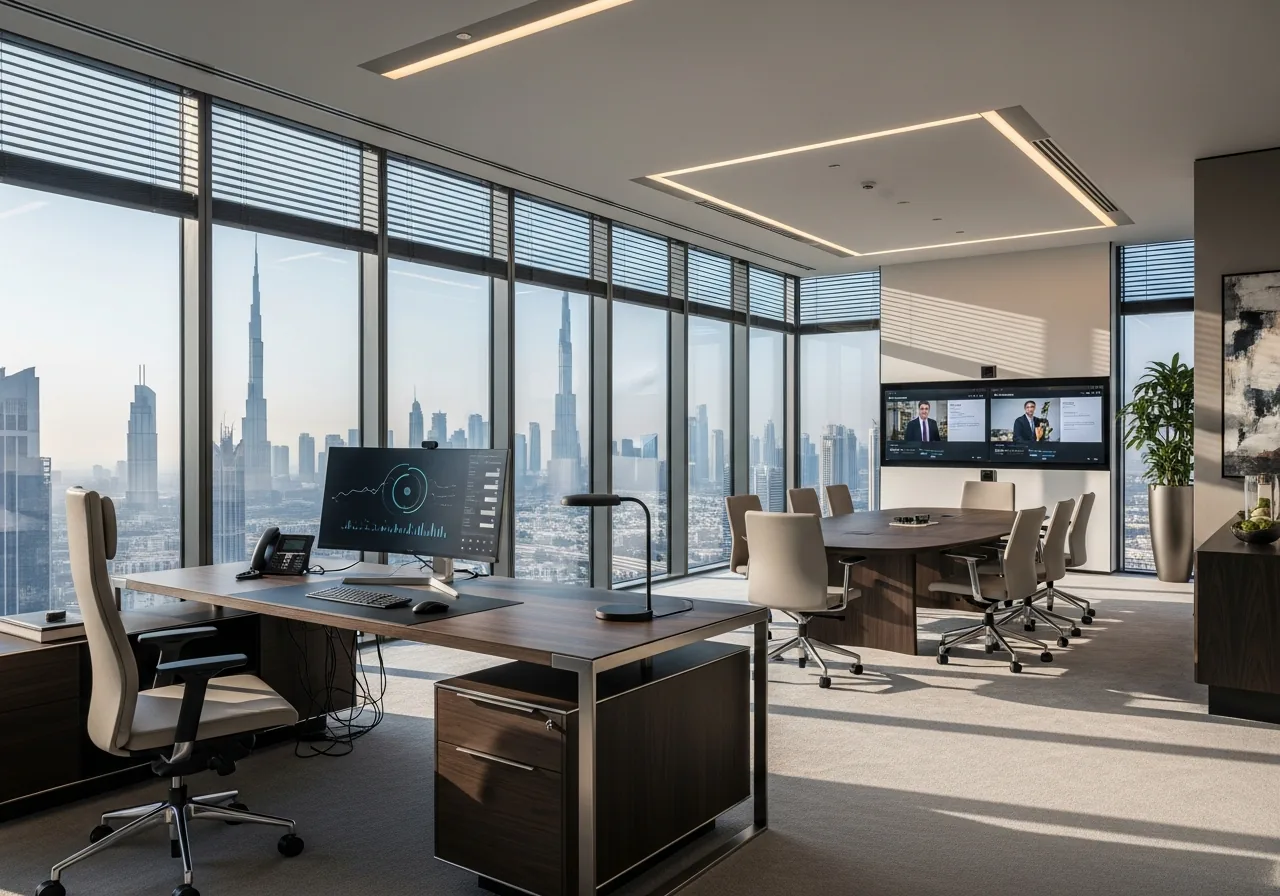
Business Bay Executive Office
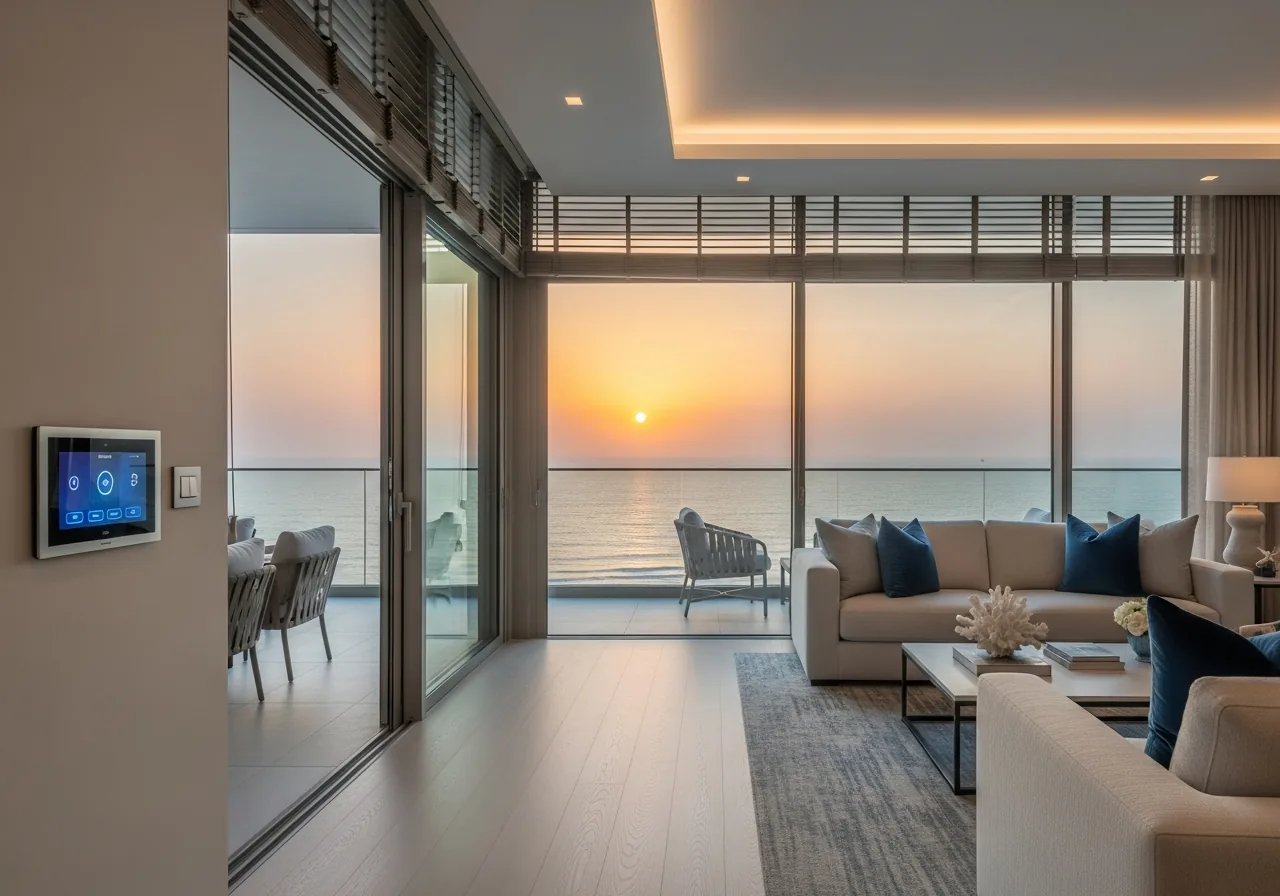
JBR Beachfront Apartment
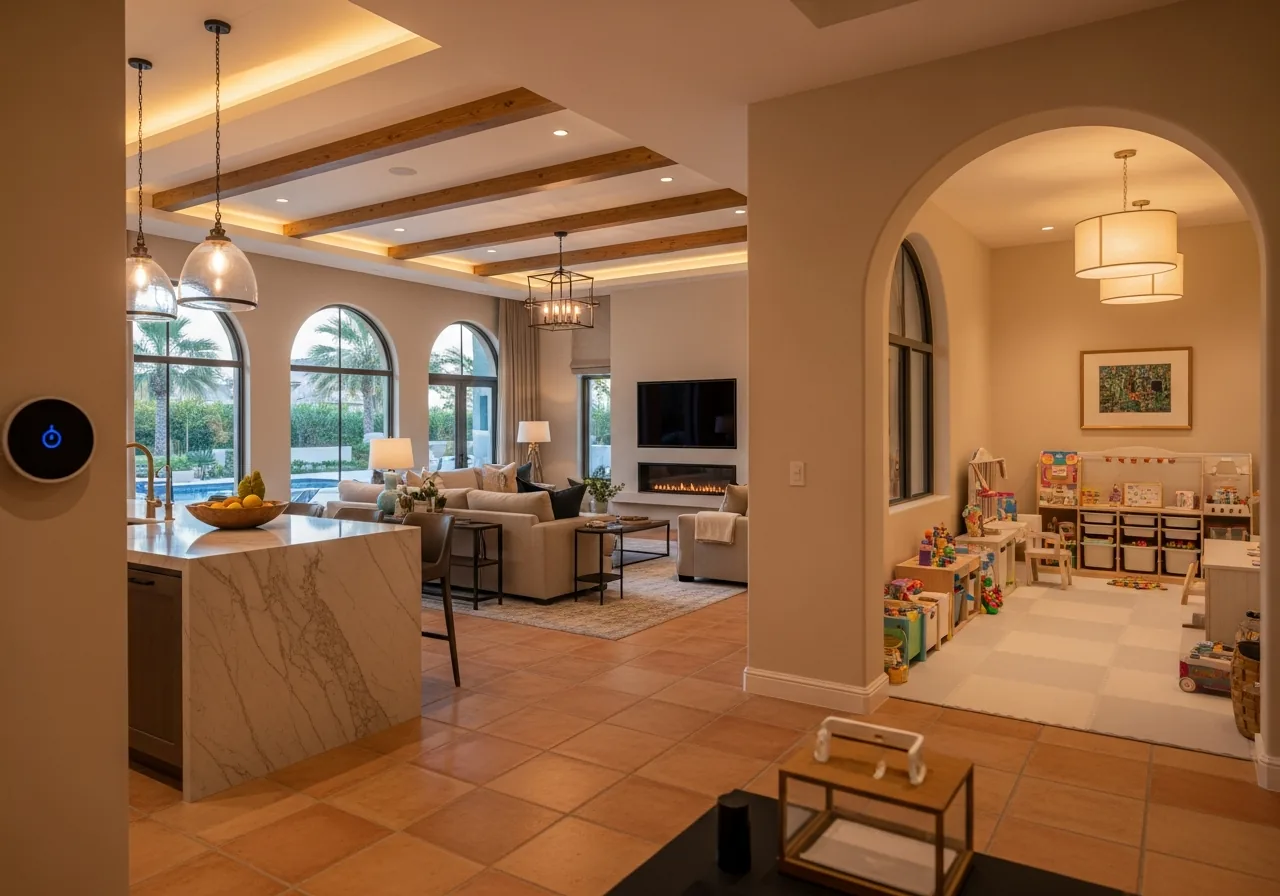
Arabian Ranches Family Villa
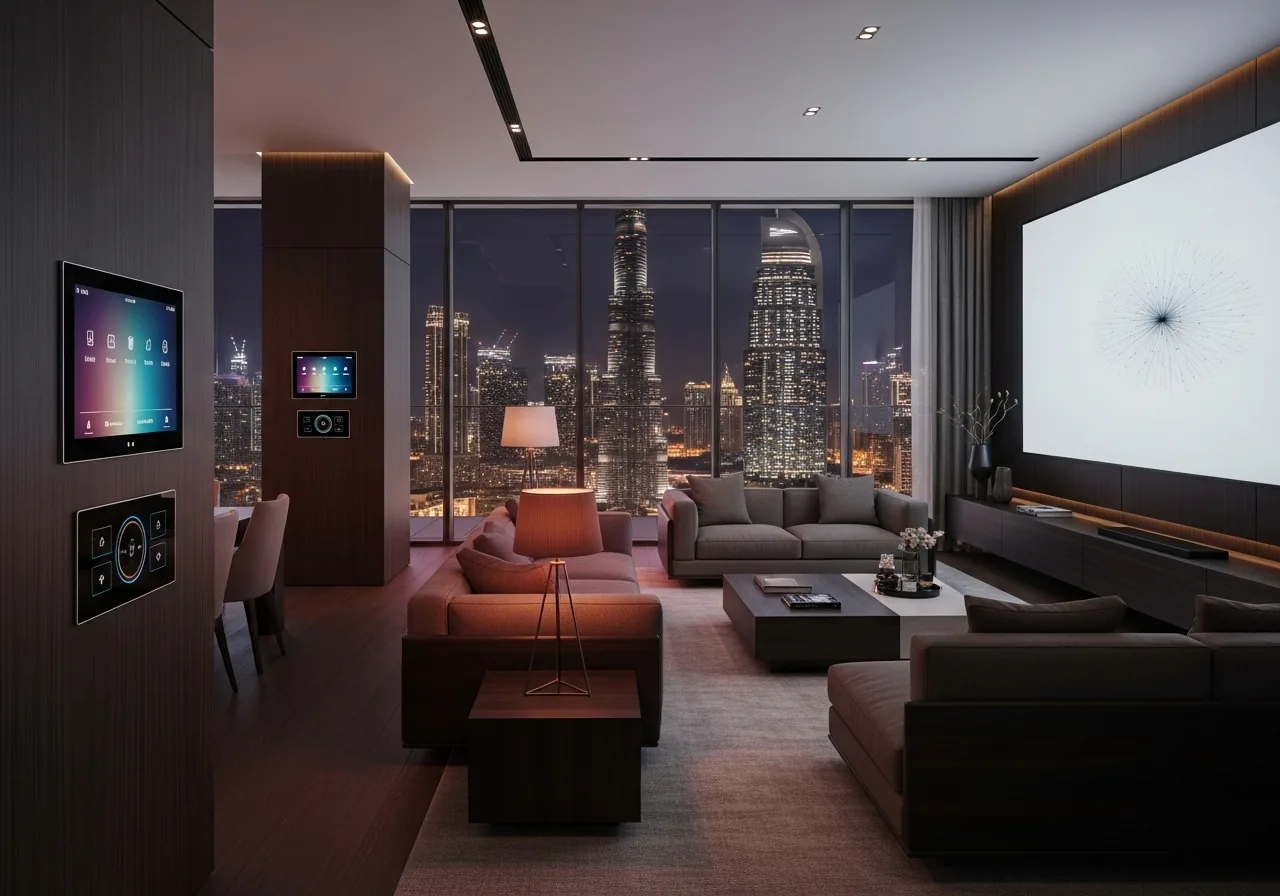
Downtown Penthouse Automation
See It In Person
Experience our smart home systems live at the LEXA Experience Centre, or explore completed installations from our portfolio.
Why Visualize in 3D?
Better Understanding
See exactly how devices will look and function in your space
Design Confidence
Make informed decisions about device placement and aesthetics
Interactive Experience
Click, zoom, and explore every detail of the smart home setup
Realistic Preview
Photorealistic rendering shows true-to-life integration
Explore Different Spaces
Living Room
Entertainment, lighting, climate control
Smart TV
Voice Control
Mood Lighting
Smart Blinds
Kitchen
Appliances, safety, convenience
Smart Appliances
Leak Sensors
Voice Assistant
Smart Lighting
Bedroom
Comfort, privacy, security
Sleep Tracking
Smart Locks
Climate Control
Curtain Automation
Ready to Bring Your Vision to Life?
Get a personalized quote based on your space and requirements