
Leica
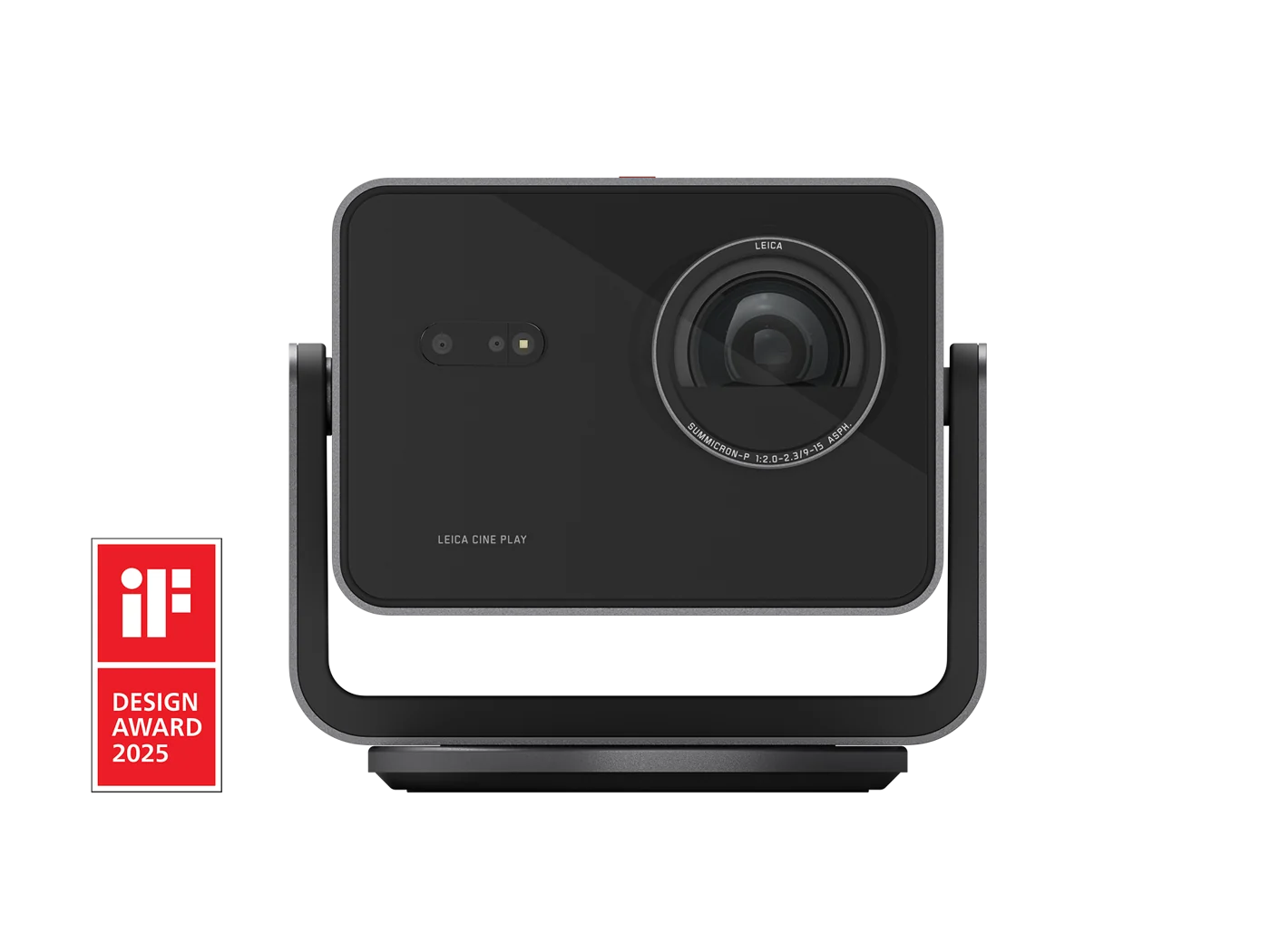
Leica Cine Play 1
Video Projectors
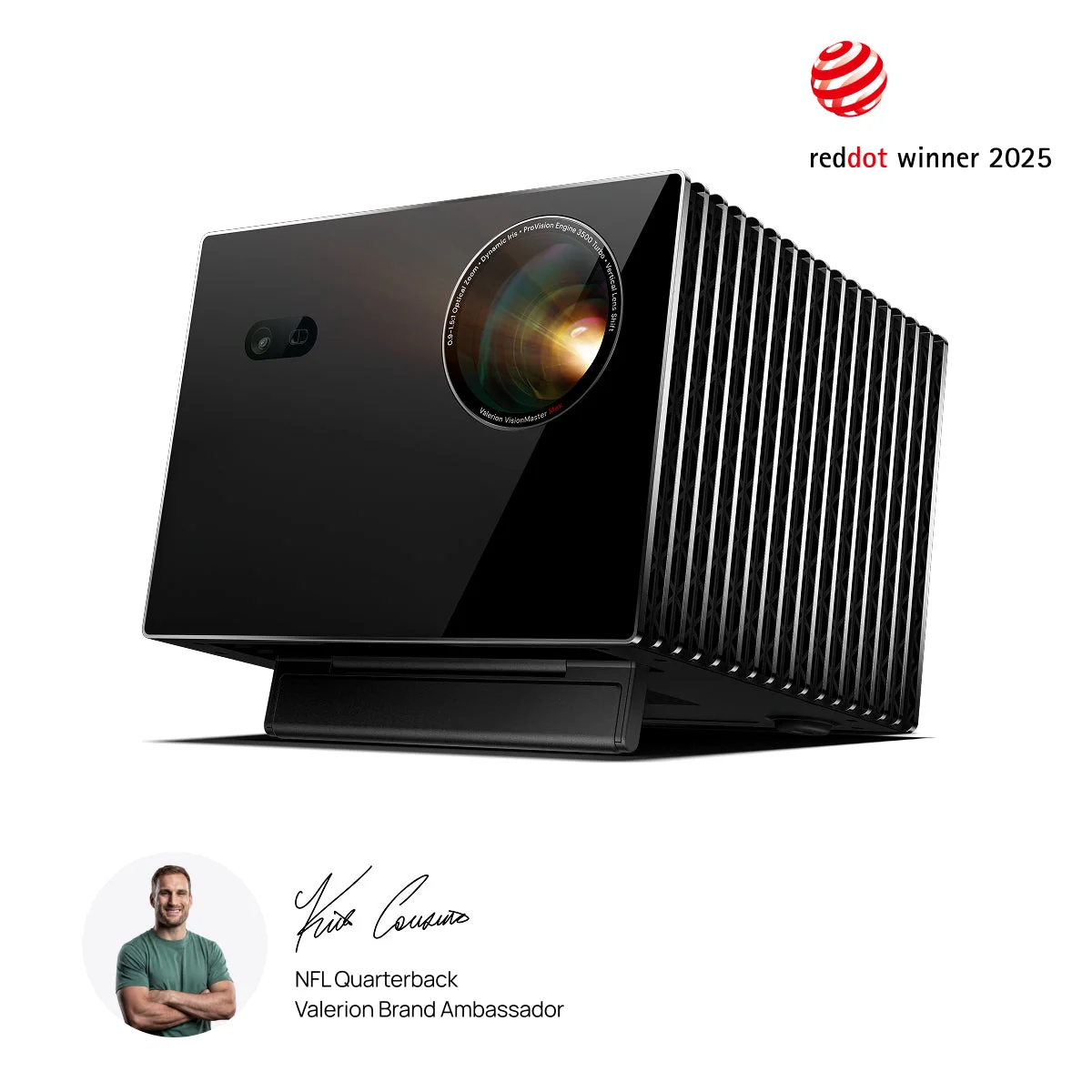
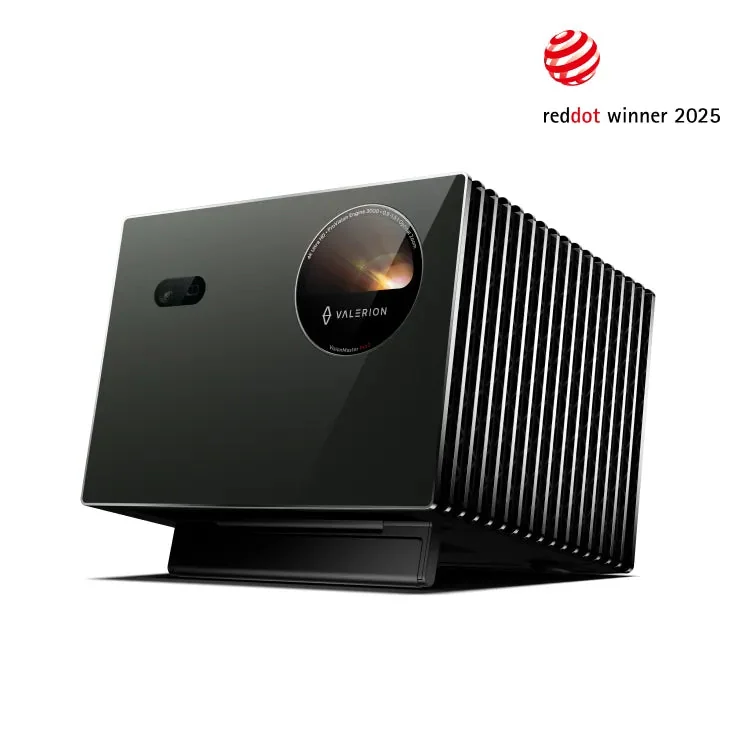
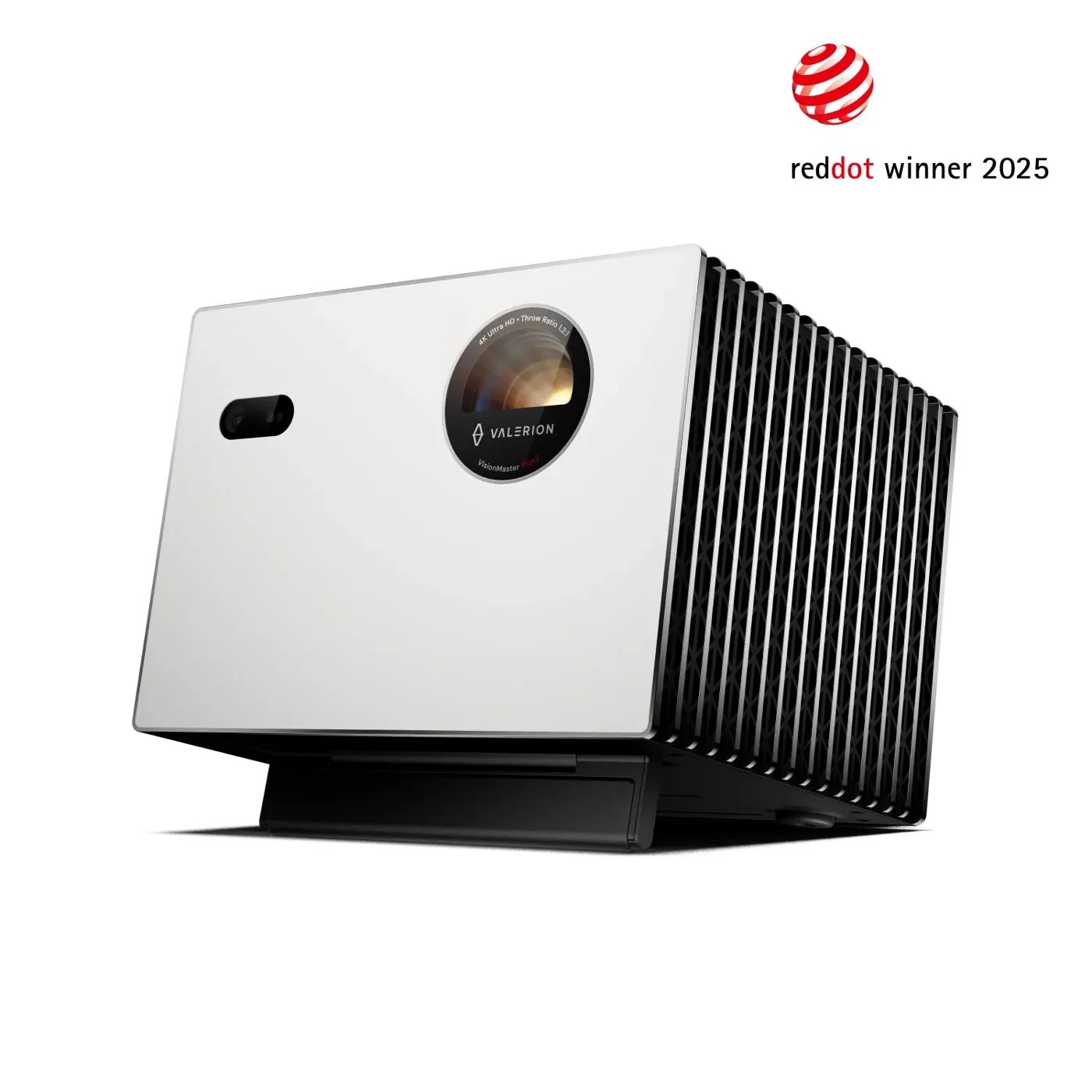
Cine Play 1 is a 4K RGB triple-laser projector with optical zoom and VIDAA smart-TV functions. The manufacturer specifies up to 3000 lumens in Ultra Mode, a 65–300-inch image range and a 0.9–1.5 throw ratio.
Technical Specifications
Manufacturer specifications
Projection Size65 - 300”
DLP0.47” XPR
Image Resolution3840x2160px (4K)
Gaming ModeYes, Latency < 12 ms 1080px@120Hz
Lumen OutputUp to 3000 lm (Ultra Mode)
Dynamic ContrastUp to 2 Mio. :1
Contrast RatioUp to 1500:1
BT.2020 Coverage> 100 %
HDR ModesDolby Vision ® / HDR10+ / HLG
3D Modeyes, DLP link
Leica Image Optimization (LIO™)Yes
Throw Ratio0.9 - 1.5
Light SourceDirect Triple RBG-Laser
MEMCYes
Power Consumption Standard Mode / Standby180W / 0.5W
Voltage100V - 240V
Weight (projector only)Approx. 6.7 kg (14,7 lbs)
Interfaces
HDMI2x HDMI 2.1 (1x eARC Support)
USB2x USB 3.0
LAN (Ethernet RJ45)1x
S/PDIF1x Optical (Toslink)
Earphones/Audio Output1x
Physical On/Off ButtonYes
Audio
Audio Output Power2 x 10 Watt
Channels2.0
DTS Virtual X®Yes
Dolby AudioYes
Wireless Connectivity
WiFi6 (IEEE 802.11 a/b/g/n/ac/ax)
Works with Apple AirPlay*Yes
BluetoothYes (Version 5.3)
Screen MirroringYes
Internet
Operating SystemVIDAA U7.6
APP incl. direct dial button on remote controlyes, for Netflix, Prime, Disney, YouTube
Voice AssistantYes
Web BrowserYes
Child ProtectionYes
OTA Software UpdatesYes
Remote Control
Remote ControlBluetooth / IR in Aluminum Housing with Microphone
Voice CommandYes
File Formats
AV-ContainerAVI / MP4 / MKV/ TS / FLV
VideoAVI / WMV / MP4 / MOV / MKV / MPG / MPEG / FLV / WebM
AudioWMA / WAV / FLAC / MP3
ImageJPEG / BMP / PNG / GIF
Operation Conditions
Operation Temperature+5°C bis +35°C
Storage Temperature-20°C bis +65°C
Light Source> 25000 h
System Noise< 29dB (A) @ 1m distance
Low Noise ModeYes
Confirm the exact model, regional version and connected equipment before specification. Published manufacturer information does not establish local stock or dealer authorisation.
Projector-only listing. Confirm the screen, stand or mounting accessory separately and use the exact model’s throw-distance guidance.
Product referenceRecommended
View All You May Also Like
Need Product Recommendations?
Our experts will specify the ideal equipment for your requirements and budget.